
Inside the app
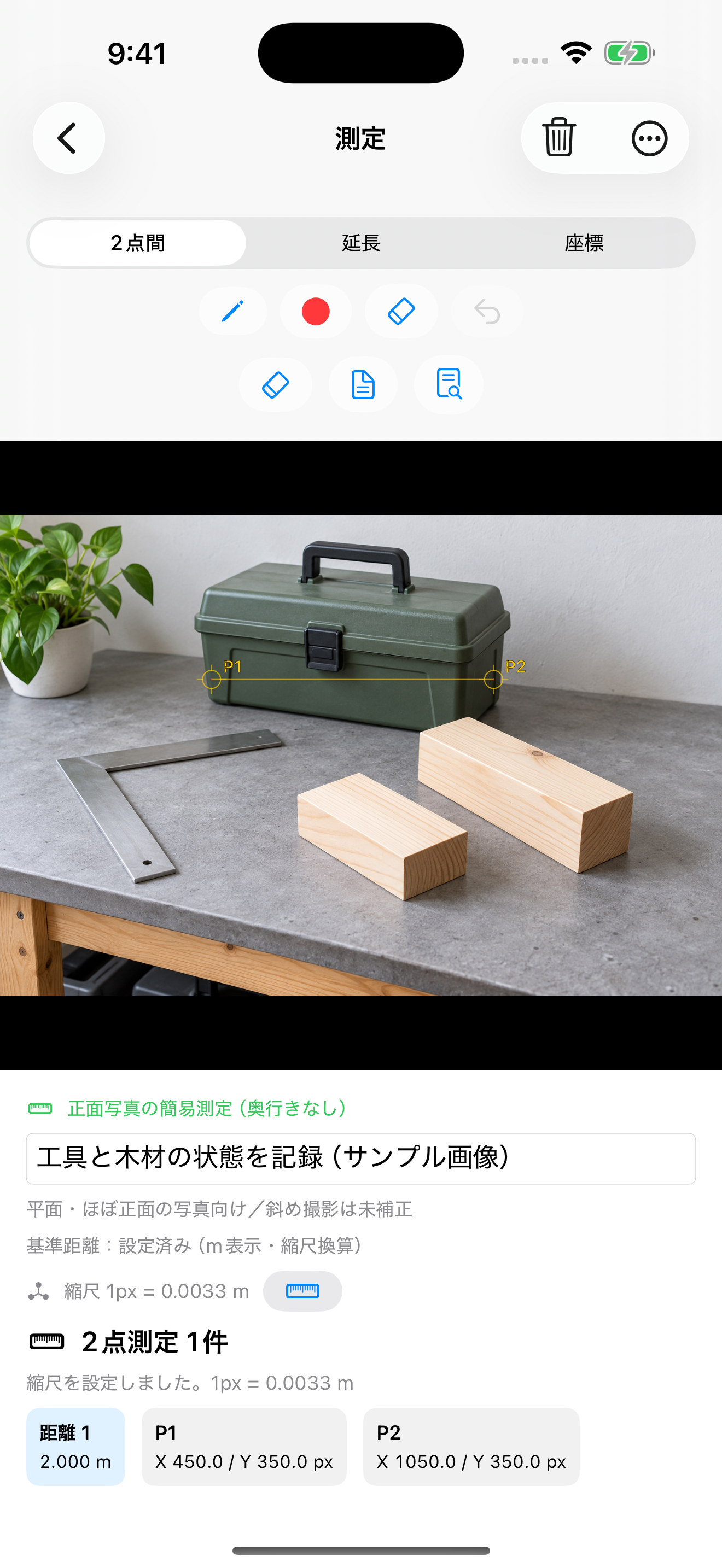

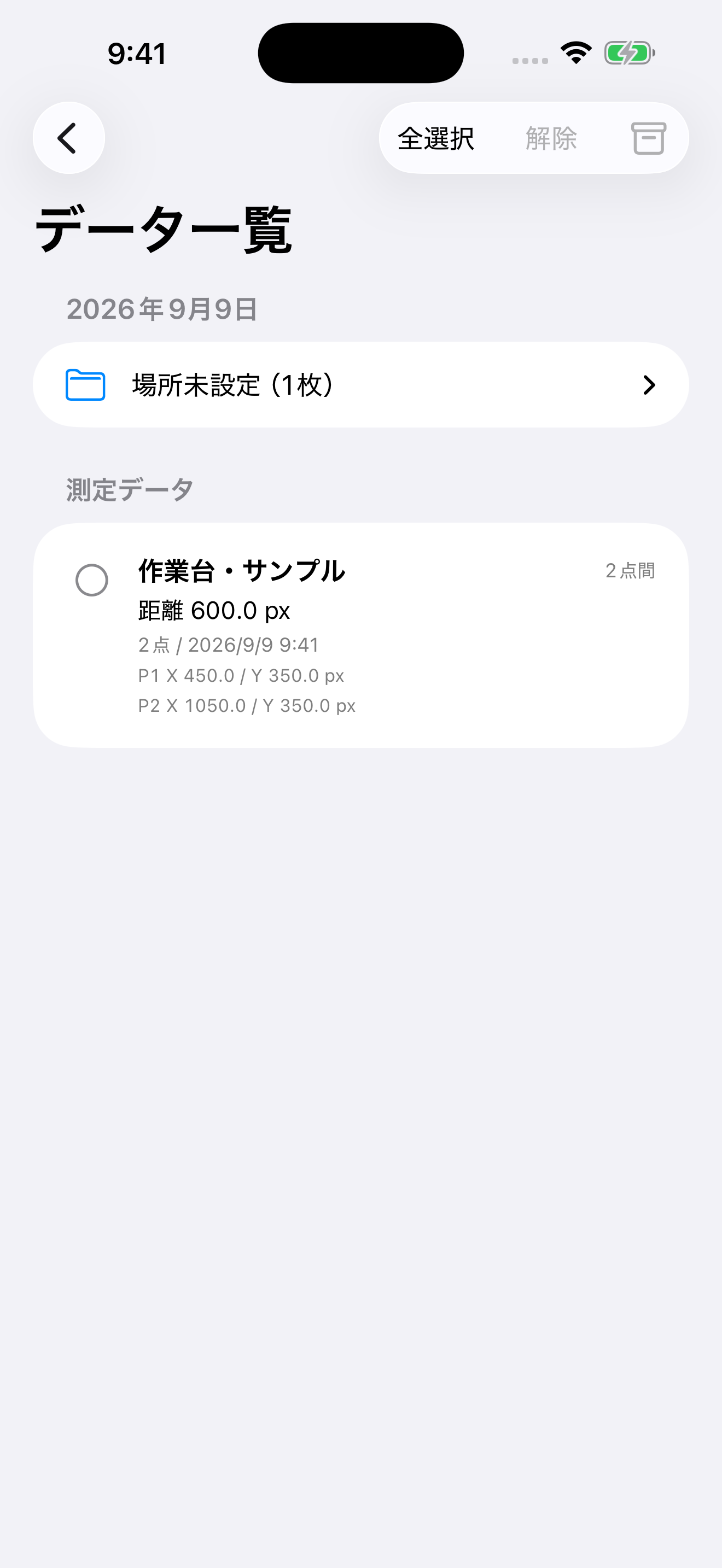
Captured from the actual app in the iOS Simulator. The photo is a generated demo image. The 2.000m value demonstrates a reference set to 2m; it is not a physical measurement of the pictured object, perspective correction, or depth measurement.
Measurement methods
Ordinary photos
Ordinary photos support pixel-distance measurement. Conversion to meters is an estimate for flat subjects photographed nearly straight-on, with a known reference length in the same plane. Angled views introduce perspective errors even within the same plane. Perspective errors and differences in depth are not corrected. A single ordinary photo does not provide depth.
AR measurement without LiDAR
AR measurement calculates distances including depth using 3D feature points saved alongside the photo during capture. It cannot work from an ordinary or imported photo alone. Drag P1 or P2 to adjust an endpoint to a nearby recorded 3D point. If no usable point exists, the original position is retained. Results depend on capture conditions and selected points. Compare against physical measurements when accuracy matters.
LiDAR measurement
LiDAR captures use depth data saved at capture time to calculate distances including depth. LiDAR measurement requires a supported device and an in-app purchase. Compare results against physical measurements when accuracy matters.
Delete measurement records
Swipe a measurement record left in the data list and choose Delete. You can also select several records and use the trash button beside the measurement section heading. Photos and the original capture data remain available.
Features
Photo capture, importing, viewing, notes, pen markups and photo sharing are free. Measurement features including LiDAR measurement, CSV export and HTML viewer export are available through an in-app purchase.
Results depend on capture distance, surface material, lighting and point selection. Compare against physical measurements when accuracy matters.
Restore purchases
Use the restore-purchases option on the purchase screen with the same Apple Account.